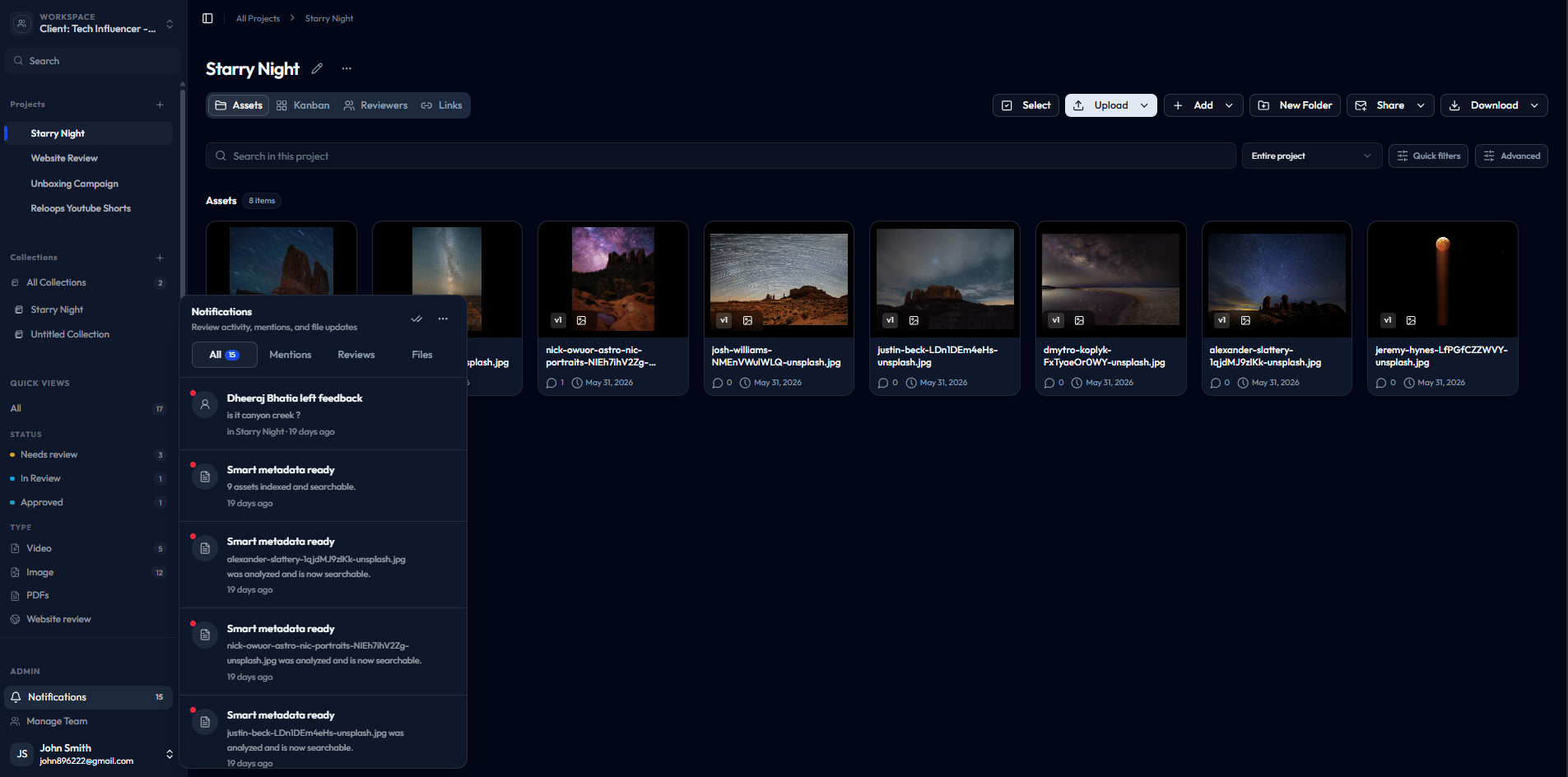
The notifications panel opens over the current page so you never lose your place.
What notifications track
The panel captures three categories of activity:- Comments and mentions - feedback left on assets and any place a teammate has tagged you directly
- Review activity - approvals, rejections, and status changes on reviews you are involved in
- File updates - asset-level changes that may need your attention, such as new versions or replacements
Notifications panel tabs
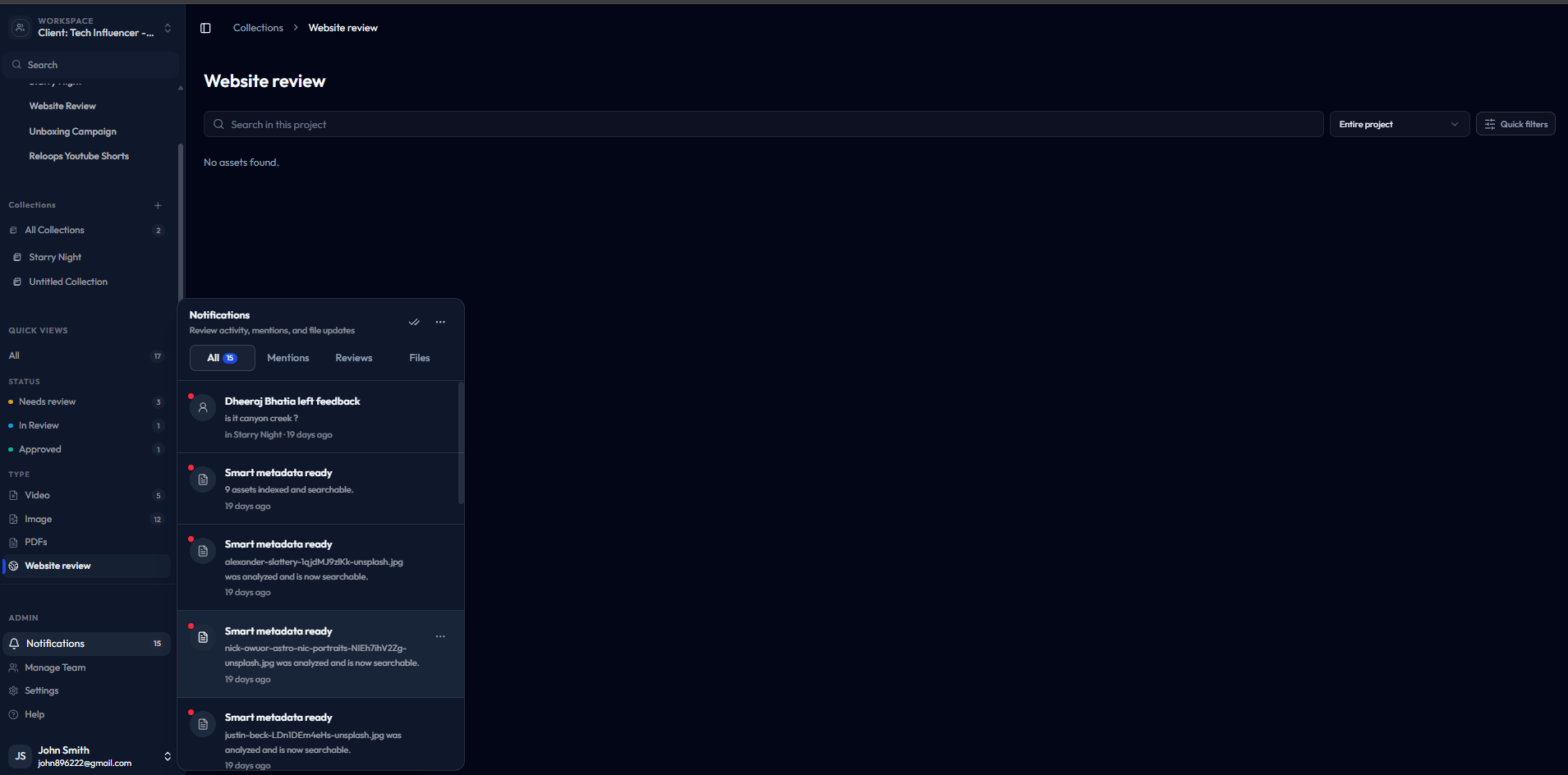
The All tab shows the full activity feed across every category.
When to use the notifications panel
Open the panel any time you need to know what changed since you last checked in. Common moments include:- After a review deadline - scan the Reviews tab to confirm all decisions are in
- When you re-open Reloops - start with All to get a snapshot of recent activity before diving into a project
- After sharing assets for feedback - check Mentions to see if anyone has tagged you with a question or concern
- Before uploading a new version - check Files to confirm no one is still reviewing the current version