
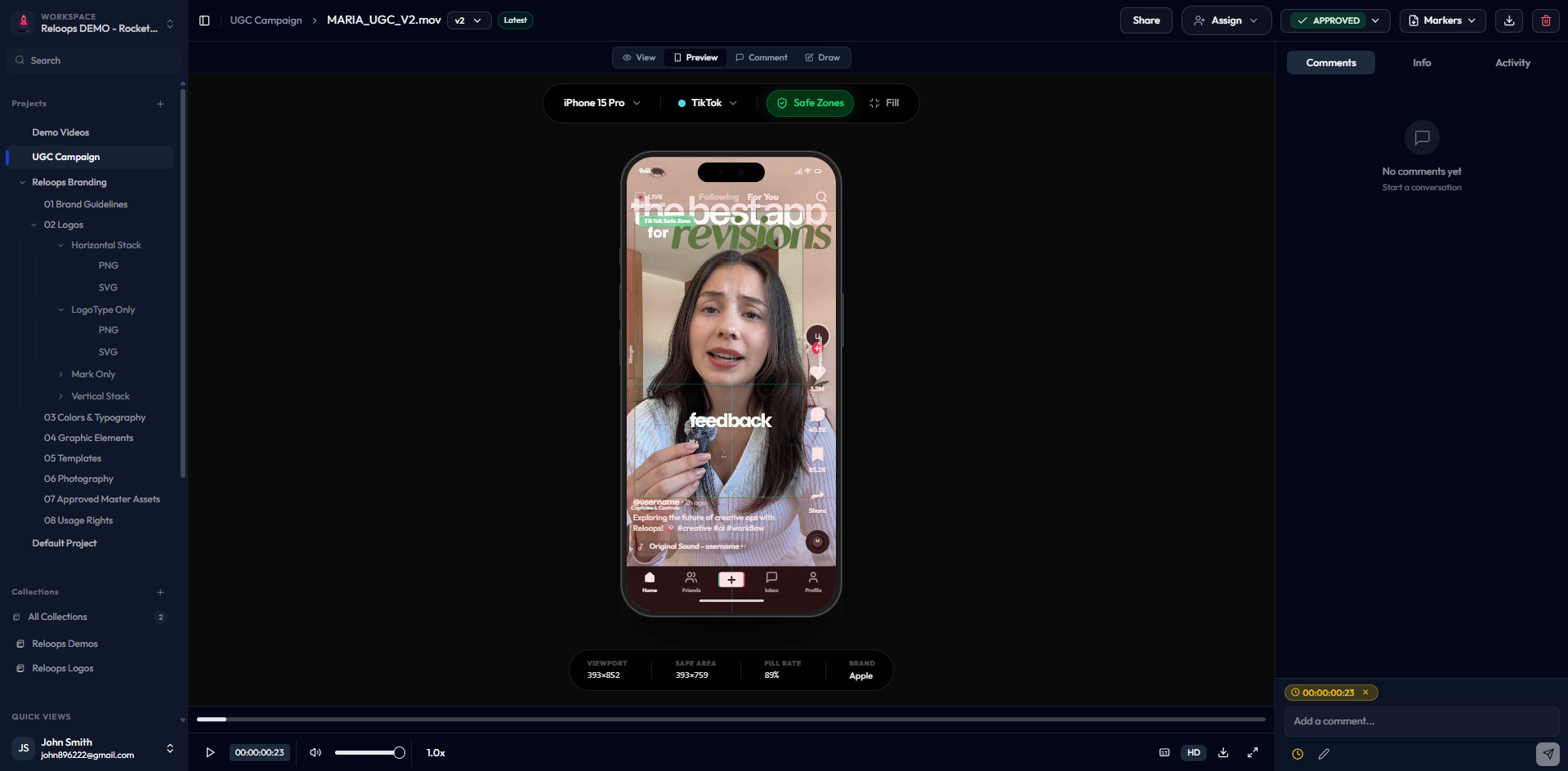
The version pill beside the asset name opens version actions, including Compare versions when the asset has multiple versions.
What you can do from the review page
View the current version
See the latest uploaded version of the asset in the built-in viewer. Switch between previous versions from the version selector.
Leave and read comments
Add timestamped, annotated, or general comments directly on the asset. Read and reply to feedback from teammates and reviewers.
Assign to a teammate
Assign the asset to a specific team member to signal who is responsible for acting on the current feedback.
Change the review status
Update the asset’s status to reflect where it is in your workflow - No status, Needs review, In review, or Approved.
Approve the current version
Mark the asset as approved when it meets the brief. The approval is recorded against the version that was open at the time.
Request revisions
Flag that changes are needed. Pairing a revision request with timestamped or annotated comments gives the editor clear, actionable direction.
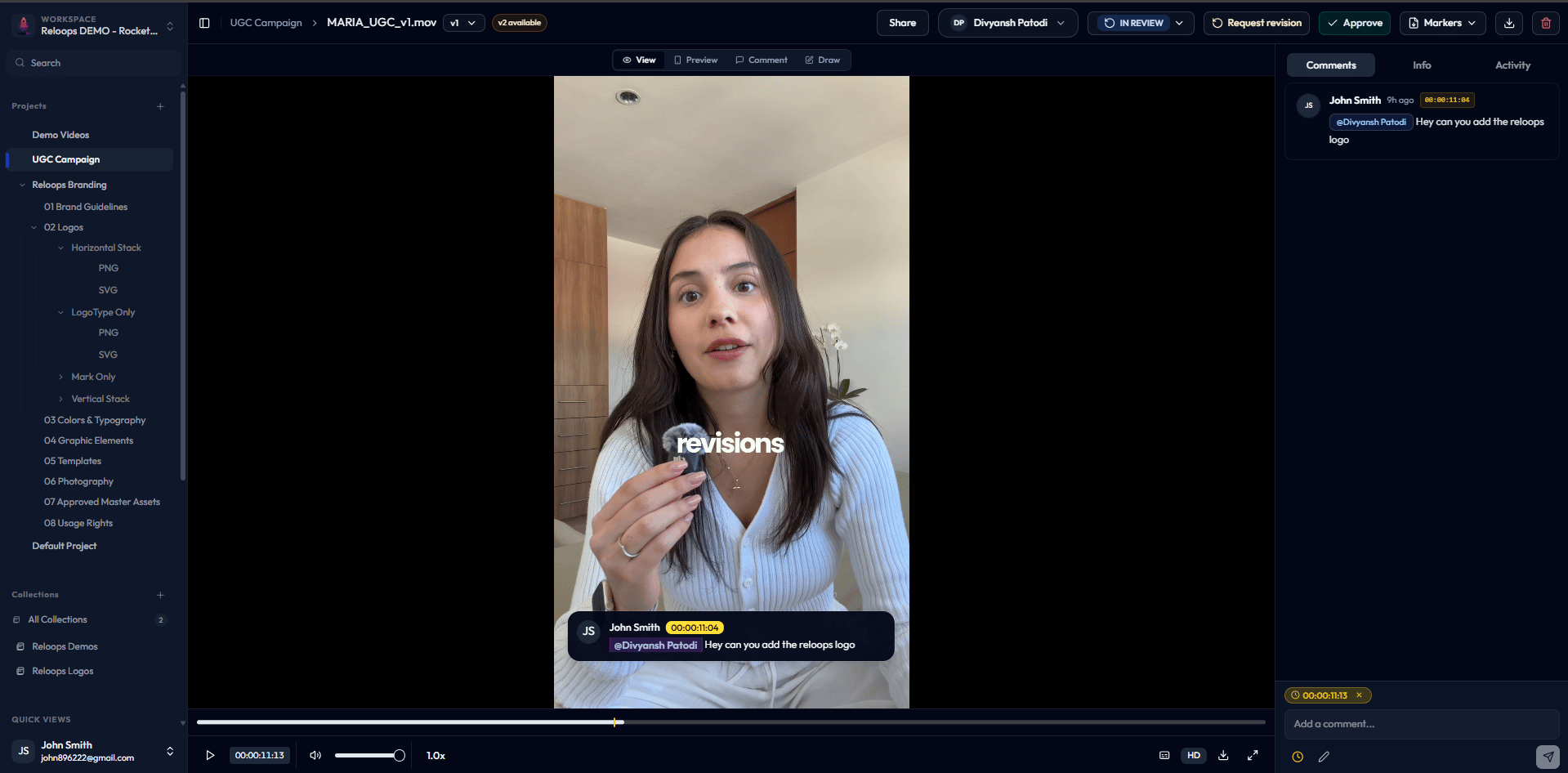
Leaving a timecoded comment alongside a request-revision action.
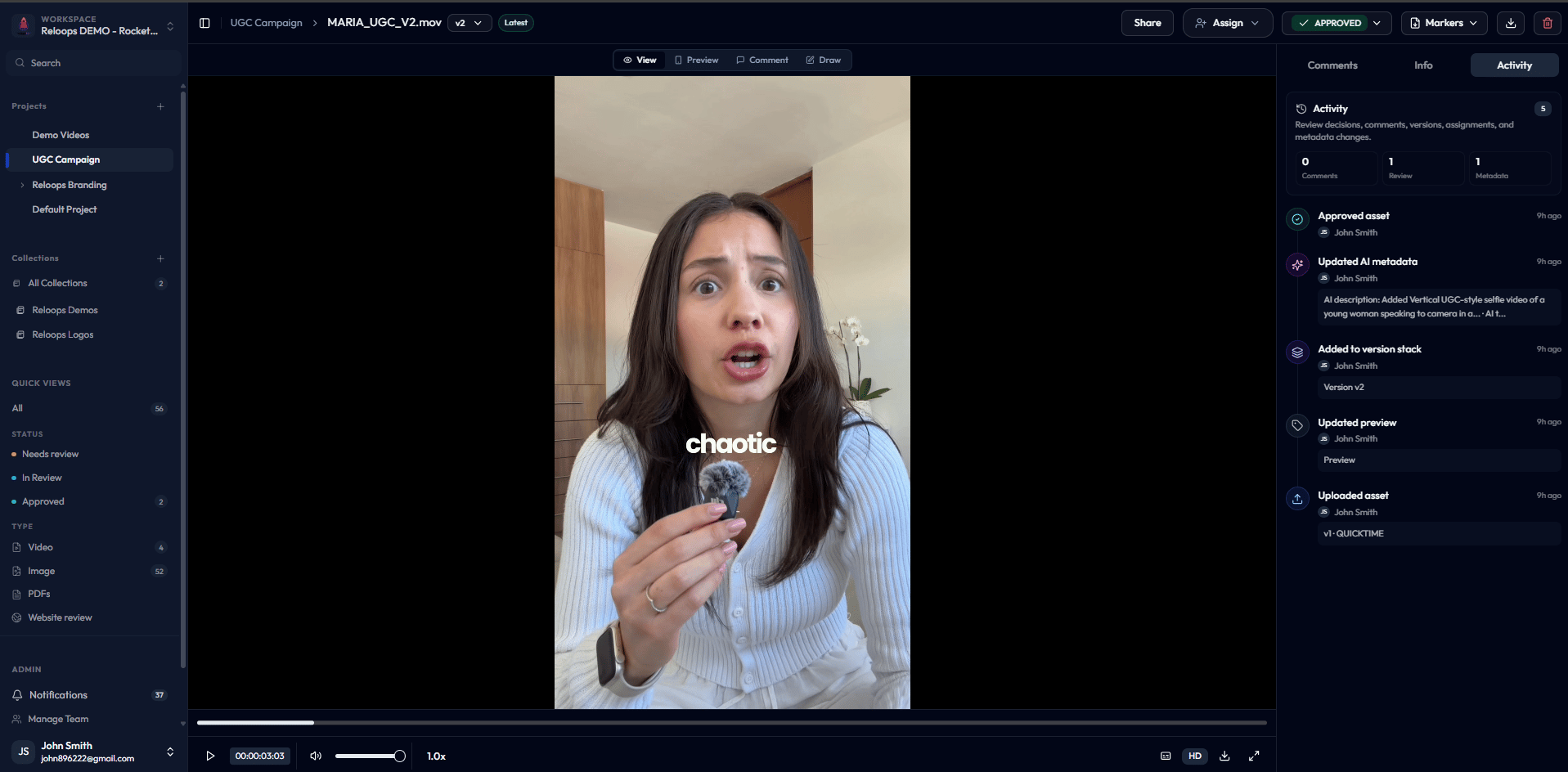
The Activity tab records every review decision, including approvals.
Share from the review page
You can generate an asset share link directly from the review page without leaving the asset. Select Share to open the link creation modal, configure your link settings, and send the link to an external reviewer. See Create and Send Asset Share Links for the full steps and options.Version history
If an asset has multiple versions, use the version pill beside the asset name, such as v2, to switch revisions, manage the stack, or open compare mode. Choose Compare versions from that menu to enter the side-by-side view.
Compare mode opens after selecting Compare versions from a multi-version asset.