
Collections are presentation views, not file containers. Adding an asset to a collection never moves, copies, or removes it from its source project. Your project structure stays exactly as it is.
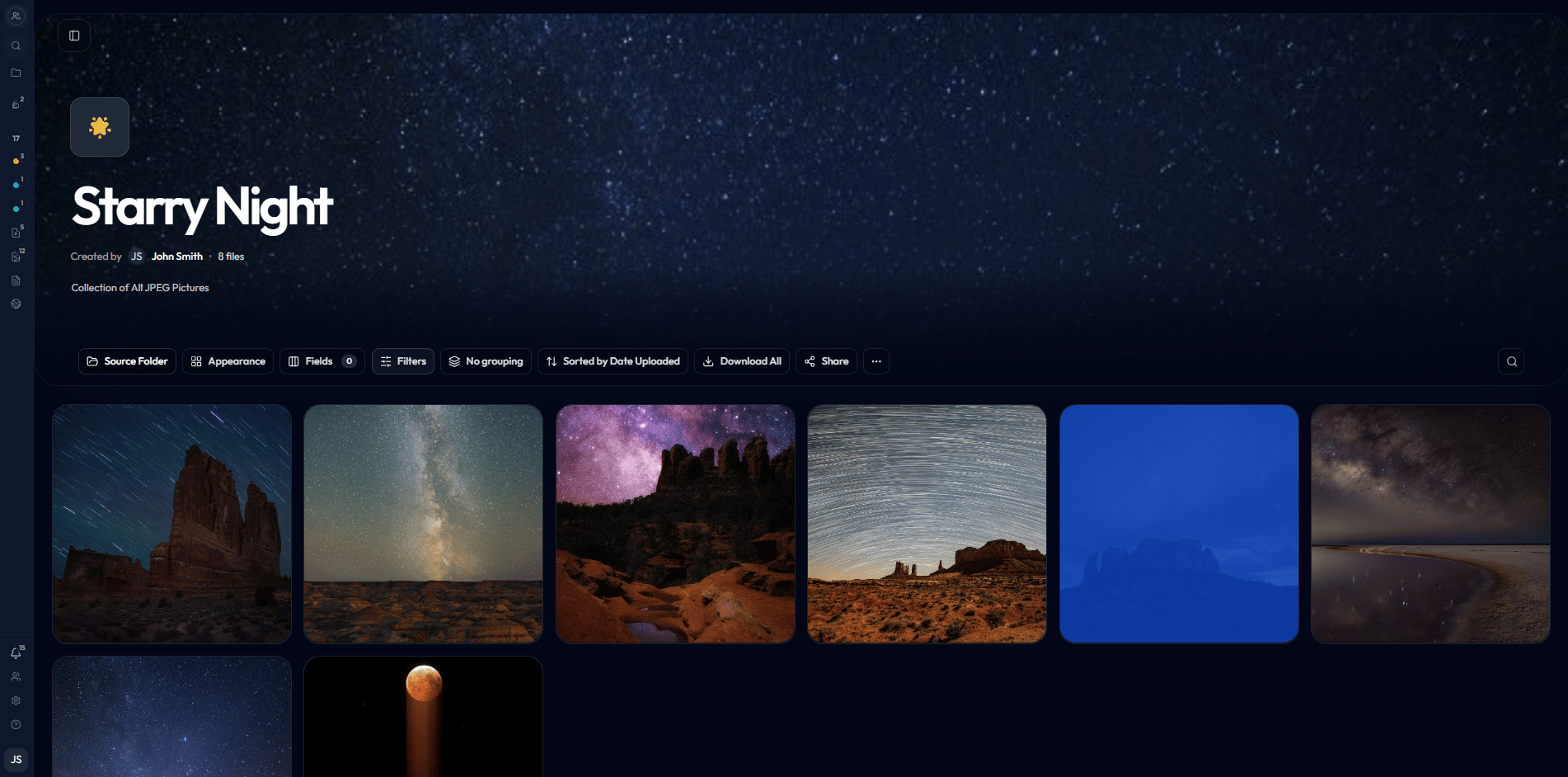
A finished collection presents curated assets in a clean gallery grid.
How collections differ from projects
A project is where creative work lives - assets are uploaded, versioned, commented on, and tracked through a review workflow. A collection is a view layer on top of that work. You point a collection at a project or folder, and Reloops surfaces those assets in a clean gallery you can style and share independently. The same asset can appear in multiple collections while remaining in exactly one place in your project. Navigate to your collections at/workspace/:workspaceId/collections and open a specific collection at /workspace/:workspaceId/collections/:collectionId.
What collections are good for
Client review galleries
Present a curated selection of deliverables in a clean, distraction-free grid your clients can browse and approve without seeing your full project structure.
Final select sets
Lock down the exact assets that cleared review and surface them as a definitive approved set - separate from the broader project that produced them.
Cross-project asset groups
Pull together related assets from different projects into a single view, such as all brand photography from a campaign spread across multiple shoot folders.
Reusable internal views
Save frequently referenced groupings - like a motion team’s in-progress cuts or a style reference board - and reopen them without rebuilding the selection each time.