
Reviewers tab
The Reviewers tab lists each guest reviewer who has been given access to an asset in this project. For each entry you can see:- The reviewer’s name or email address
- Their role and guest/member status
- Comment count and last activity when available
- The asset or assets they have interacted with or can access
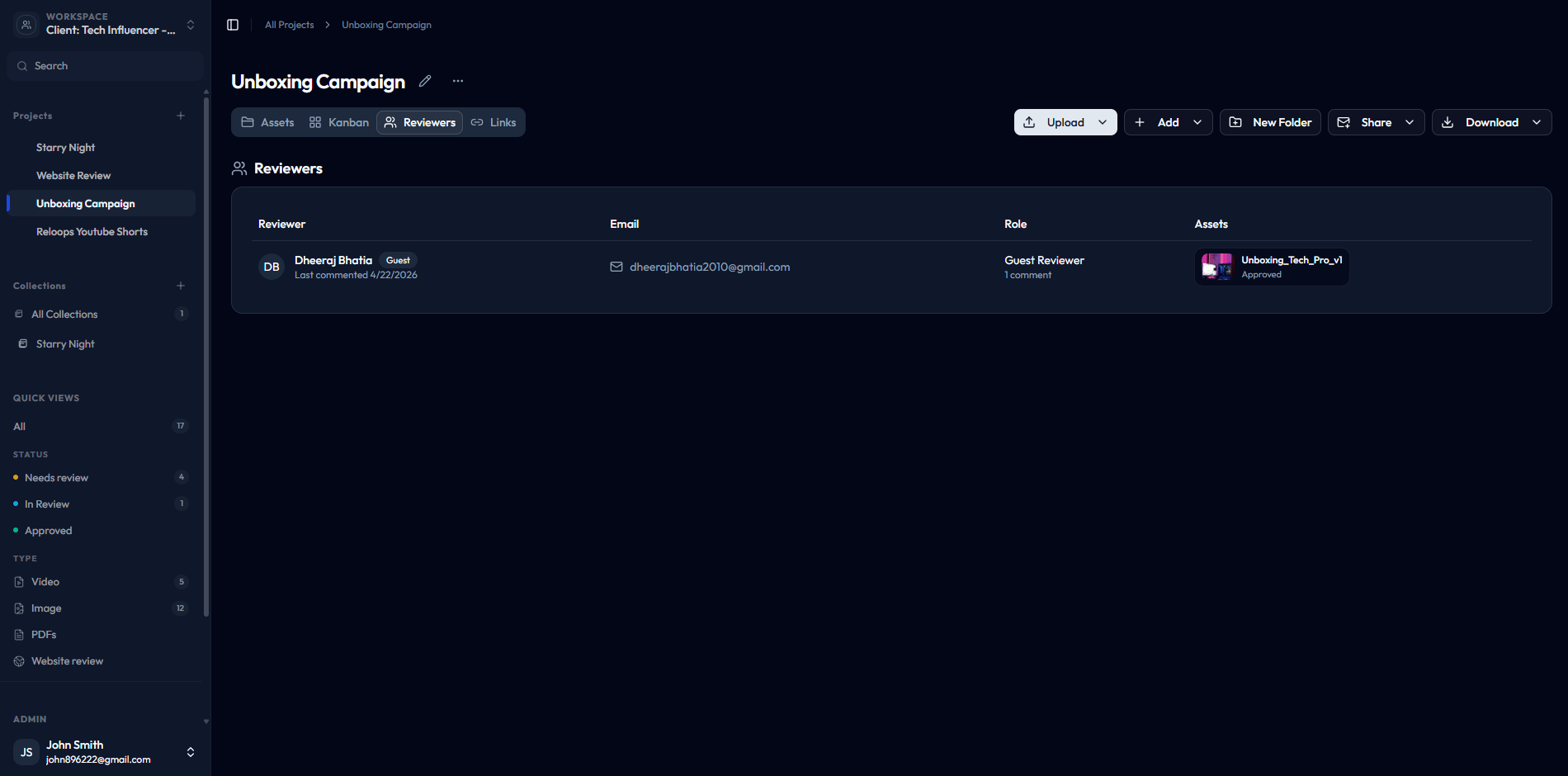
The Reviewers tab lists each guest reviewer and the assets they can access.
Links tab
The Links tab lists asset share links that have been created for assets in this project. For each link you can see the asset, copied URL, view count, last access time, creation time, and status. Active links can be copied, opened, or revoked from the row menu.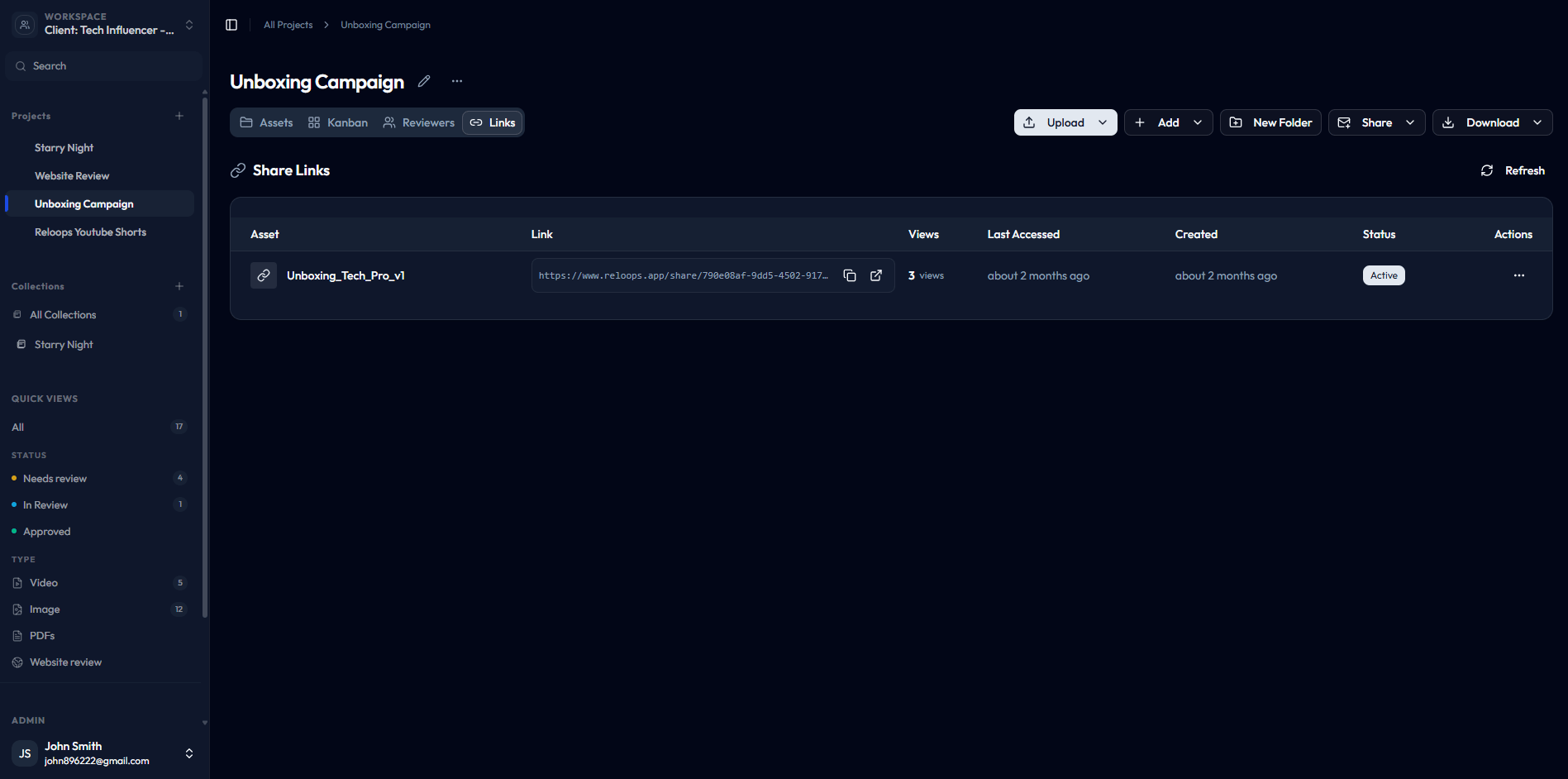
The Links tab shows every active share link in the project.
When to check these tabs
A reviewer says they cannot access an asset
A reviewer says they cannot access an asset
Open the Reviewers tab and confirm the reviewer appears in the list and is assigned to the correct asset. If they are missing, go to the asset and share it again. If they appear but still cannot access it, check whether the share link has expired in the Links tab.
A project has several external stakeholders
A project has several external stakeholders
Use the Reviewers tab to get a consolidated view of everyone with guest access across the project. This is faster than opening each asset individually to check who has been invited.
A review window is finished and old links need cleaning up
A review window is finished and old links need cleaning up
Open the Links tab and review which links are still active. Expire or revoke any links that should no longer be accessible now that the review cycle is complete. Keeping old links active increases the risk of unintended access to project assets.