
When to use website review
Reach for website review when a page or screenshot-style asset needs feedback in context rather than generic notes passed around by email:- Landing pages - capture the page and collect comments before a campaign goes out
- Page screenshots - review a static screenshot when you need feedback locked to a point-in-time state
- Full-page captures - use a scrollable full-page capture so reviewers can annotate any section of a long page, not just the visible viewport
How it works
Create a website review asset from a project with Add > Capture Web Page. Enter the live URL, give the capture a title, and Reloops adds the full-page capture to the project as an asset.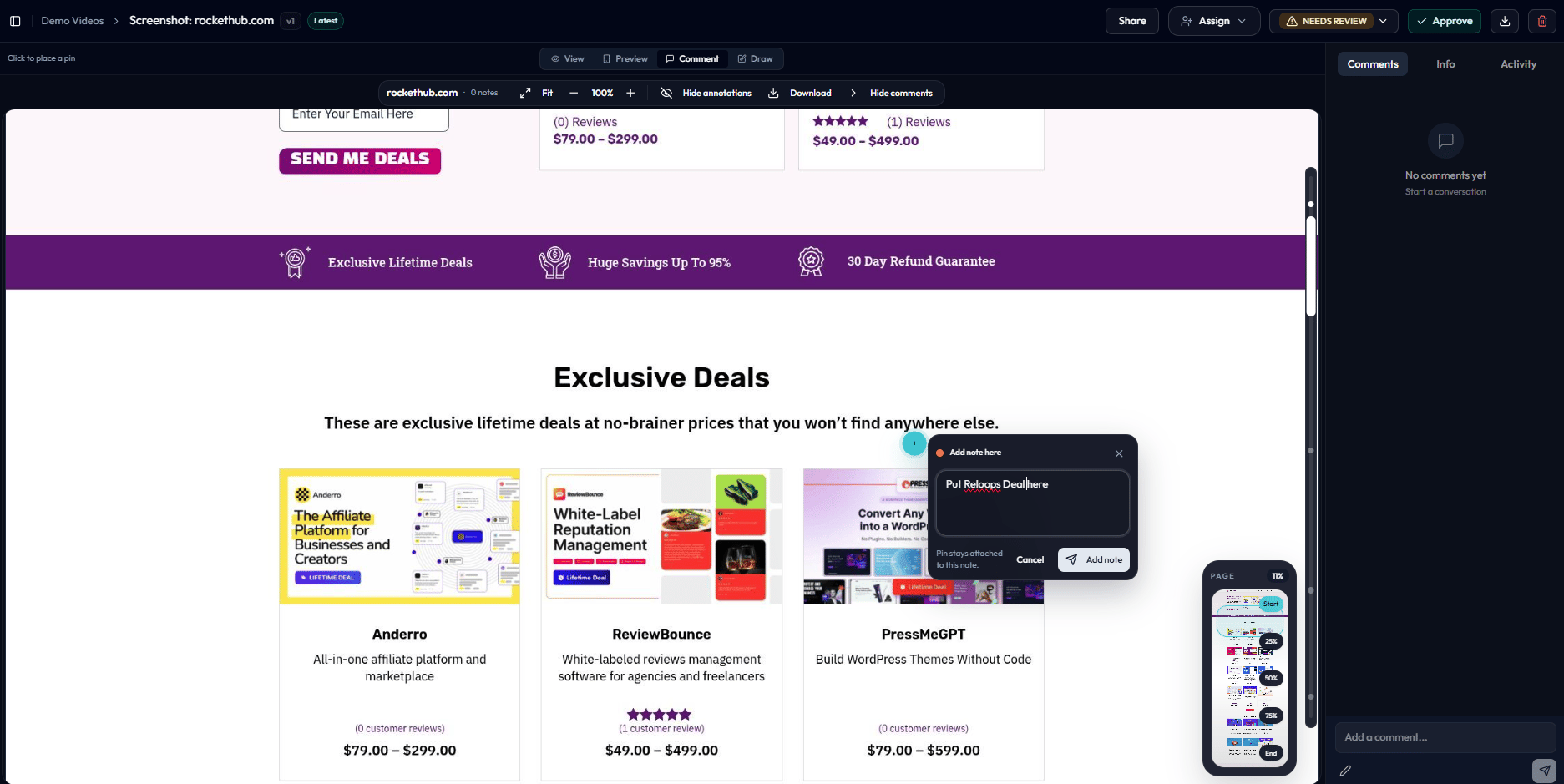
Switch to comment mode to add a note anywhere on the captured page.
- Leave annotations by clicking anywhere on the captured page to pin feedback to a specific element or region
- Leave general comments for overall impressions or approval notes
- Approve the page or request revisions using the same status controls available on any other asset
- Share the captured page with external stakeholders using an asset share link
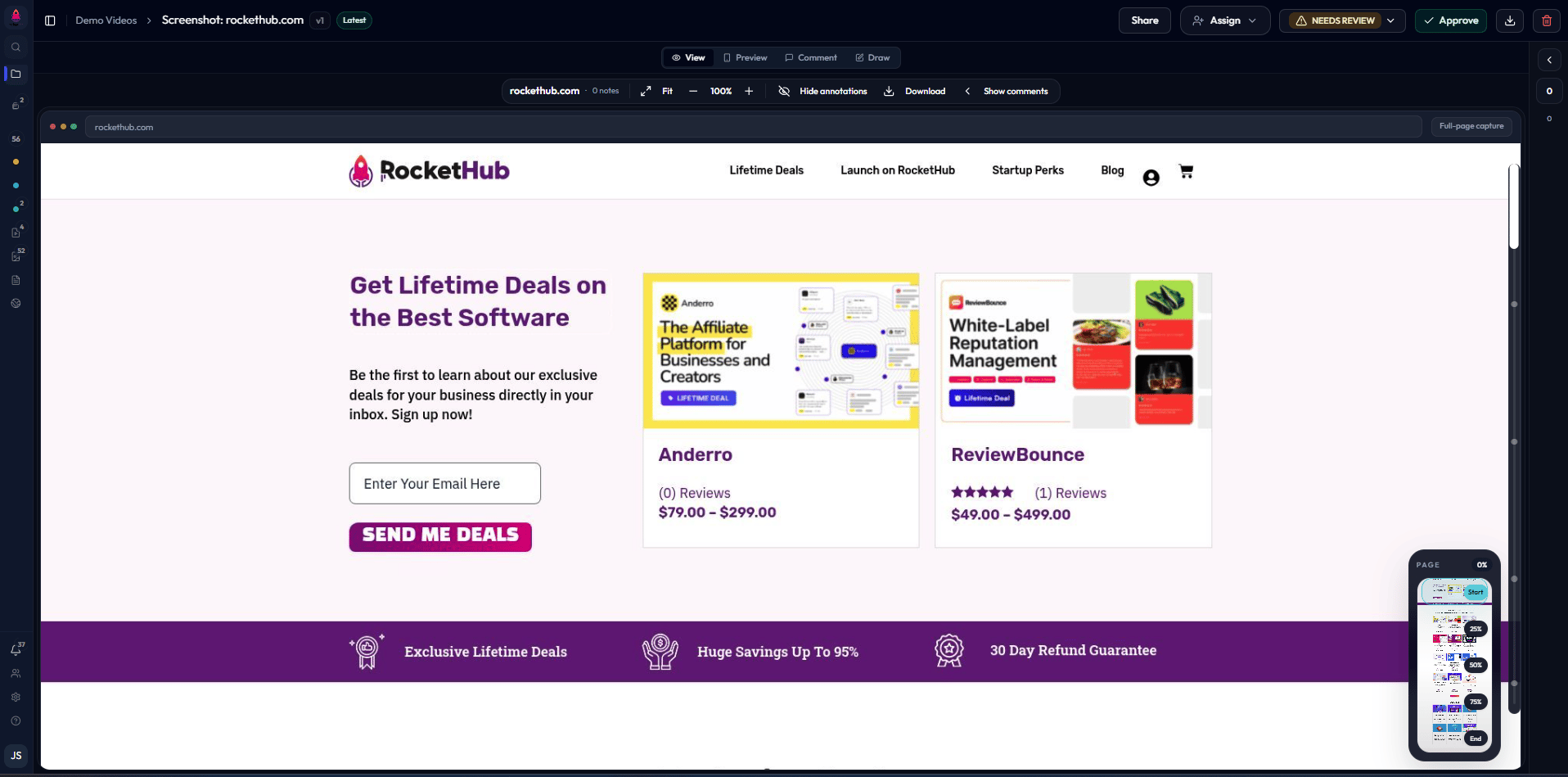
A full-page capture inside website review, ready for annotated feedback.